top of page




BEFORE YOU BEGIN
Have your smartphone ready.
Be connected
to your Stealth Wi-Fi.
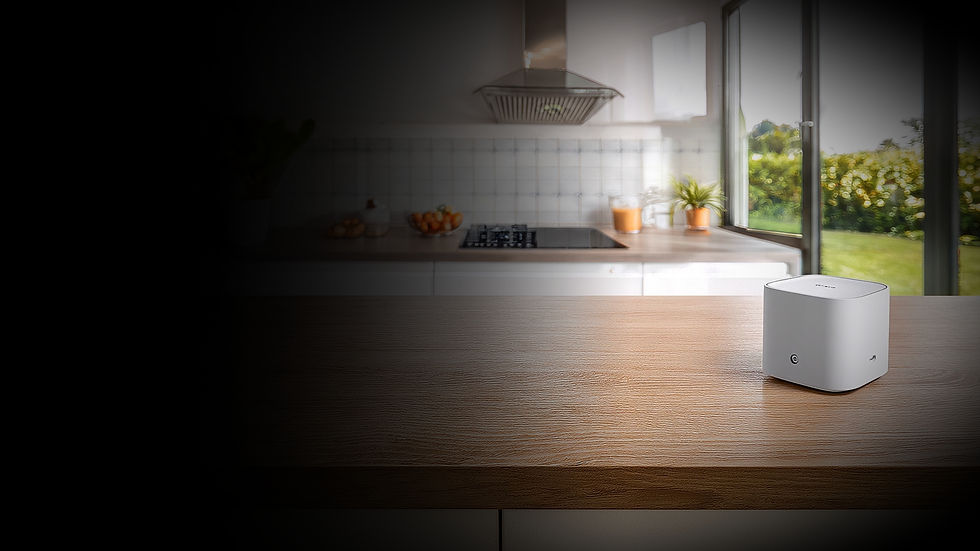
Have your router powered on.
Create a TP-Link ID if you don't already have one.
ESTIMATED SET UP TIME 5-10 minutes.
1
DOWNLOAD
THE AGINET APP
Download the TP-Link Aginet app from the App Store or Google Play.
-
Download TP-Link Aginet.
-
Open the app.
-
In the search bar, type “TP-Link AgiNet" or click on the QR code.
-
Tap Download or Install.


2
CREATE
YOUR ACCOUNT
Create your TP-Link ID
to access and manage your network.
-
Tap Sign Up.
-
Enter your email.
-
Create a password.
-
Verify your email.
3
CONNECT TO
YOUR NETWORK
Connect the Aginet app to your Deco network.
-
Connect your phone to your Stealth Wi-Fi.
-
Open the Aginet app.
-
Select Manage Wi-Fi.
-
Follow the prompts.
-
Create an administrator password for your router.
4
EXPLORE YOUR
DASHBOARD
Manage your network
and customize your
Wi-Fi experience.
Connected
Devices
See who's
online and
what they're
doing.
Parental
Controls
Create profiles and screen time schedules.
Guest
Wi-Fi
Create a secure Wi-Fi network
for visitors.
Speed
Test
Check your Internet speed anytime.
Reboot
Router
Restart your router with
one tap.
5
NEED
MORE HELP?
Learn more about popular features with step-by-step guides.
CHANGE WI-FI NAME AND PASSWORD
-
Press More.
-
Go to Wi-Fi Settings.
-
Update your Wi-Fi name and password.
-
Press Save.

QUESTIONS?
Our local support team is happy to help.
CALL SUPPORT
605-689-2525
EMAIL SUPPORT
bottom of page